Habits
Track habits as a check, a count, an amount or time, on any schedule. Build, limit or quit, keep flexible streaks and let every log move a goal forward.
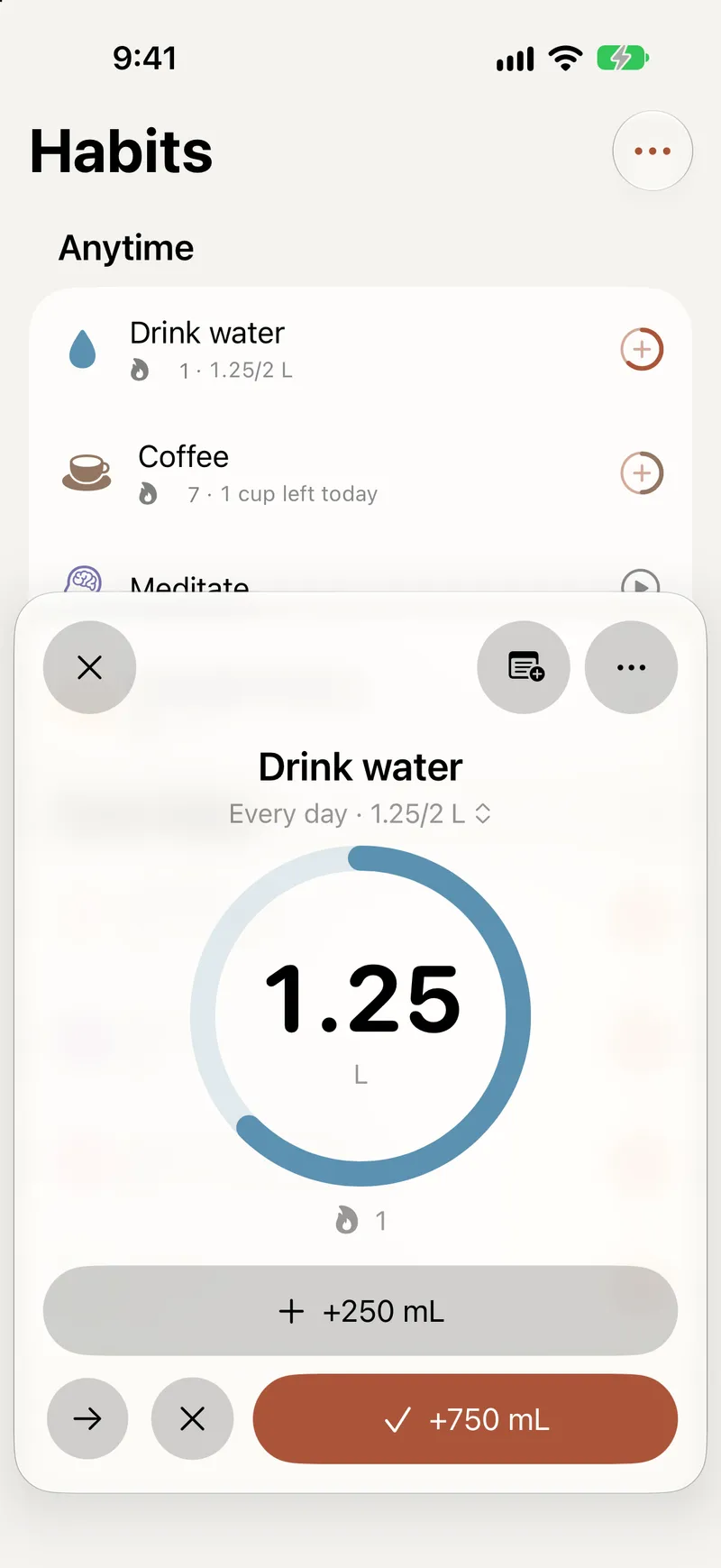
A habit in Titanova is something you want to do again and again, on a schedule that fits your life. It shows up on Today when it is due, counts what you do, and adds to the goals it supports.
A schedule that fits
Pick the schedule that matches how you really live:
- every day, on weekdays, or on the days you choose;
- every few days, counted from the day you start;
- a number of times or an amount of time per week, month or year, like “3 times a week” or “5 hours a week”;
- on certain days of the month, or every few weeks, months or years;
- a few days after you last did it, for things like watering plants.
A habit with a weekly target stays on Today until you reach it, instead of being spread across fixed days. Give a habit a start and an end date for a 30-day challenge, add a short checklist for routines with steps, and set reminders for the times you want a nudge.
When life changes, change the schedule. For a habit you have already started, the new schedule applies from today and your past check-ins stay as they are.
Count what matters
Choose what you track: a Check (done or not), a Count (like 8 glasses), an Amount in any unit (like 2.5 km), or Time, with a built-in timer or typed in. Then choose a direction: Build a habit you want more of, Limit one you want less of, or Quit one you want gone.
Log with one tap, add or set a value, or pick the unit you measured in and let Titanova convert it. You can also:
- Skip a day on purpose, for example when you are ill or traveling. Skipped days don’t lower your completion rate or break your streak.
- Mark as Missed when it didn’t happen. A scheduled habit you didn’t log is counted as missed at the end of the day, so your history stays honest without extra work.
- Check off a habit you forgot yesterday and pick the day it really happened.
Streaks, stats and Full weeks
Every habit has a page with its streak, completion rate, totals and a monthly grid. Full weeks count the weeks in which you did every scheduled day. Streaks follow your schedule: a habit with a weekly target counts its streak in weeks, so the days in between don’t break it.
The Habits screen shows each habit with its week at a glance. Group the list the way you like, and keep the habits you have finished in an archive.
Habits that move your goals
Choose which goals a habit adds to, and every log counts toward them. A habit can support several goals at once, and amounts are converted when the habit and the goal measure the same kind of thing. Over time you see how a daily routine turns into progress on the goals you care about. Read more about goals.
Let Apple Health check them off
If you like, habits like steps, workouts, sleep, water and mindful minutes can check themselves off with Apple Health. You choose the type and the target, and the habit completes when Health shows you reached it. Health values stay on the device that read them and are never synced. See Made for Apple.
Start from the library
Not sure which habits to build? The template library has more than 100 single habits grouped by life area, and programs that build up week by week, like a gentle start to running or reading. Templates are part of the free plan.
Habit widgets on the Home Screen show a month of one habit or a week of several, and let you check off today without opening the app.